
Product Enhancements – Release Notes November 2026
November 19 Release Notes – PlanPlus Online – Version 5.81
Product Enhancements
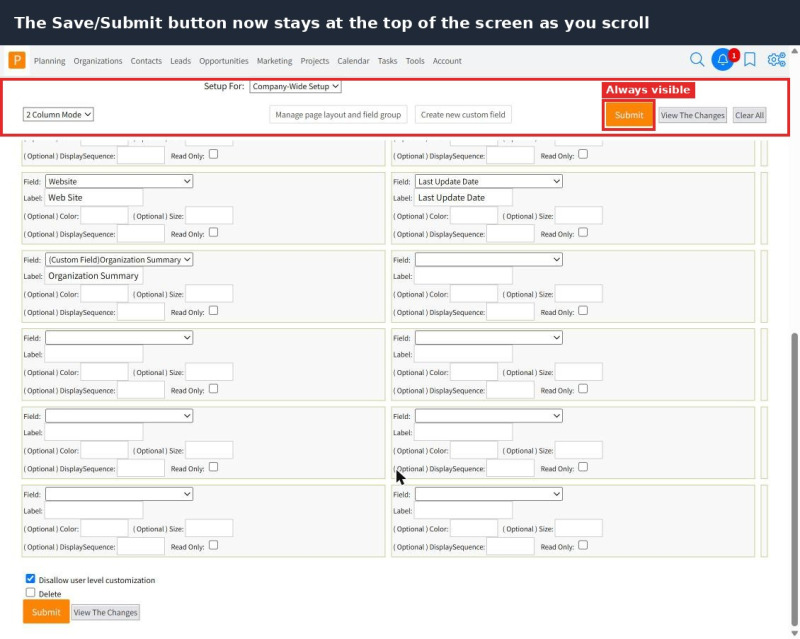
- Always-visible Save button: The Save button now stays at the top of the screen as you scroll.
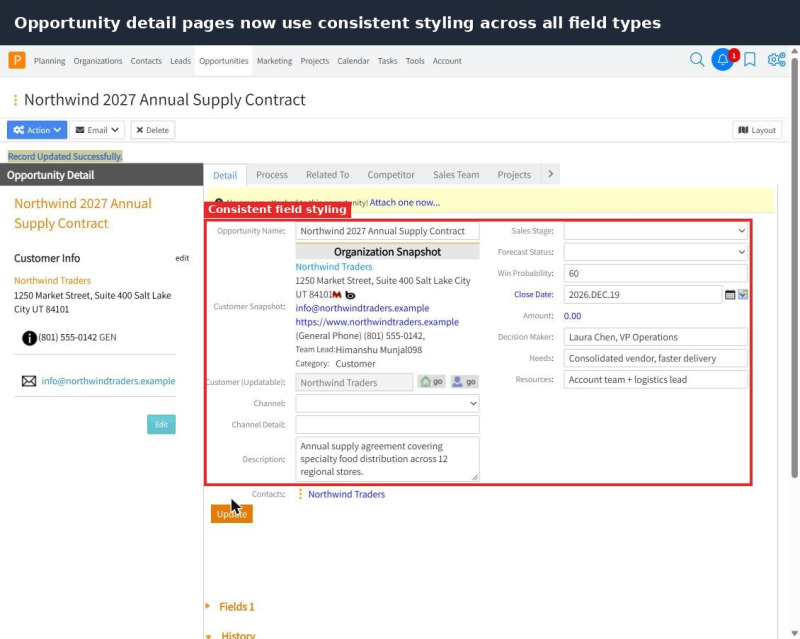
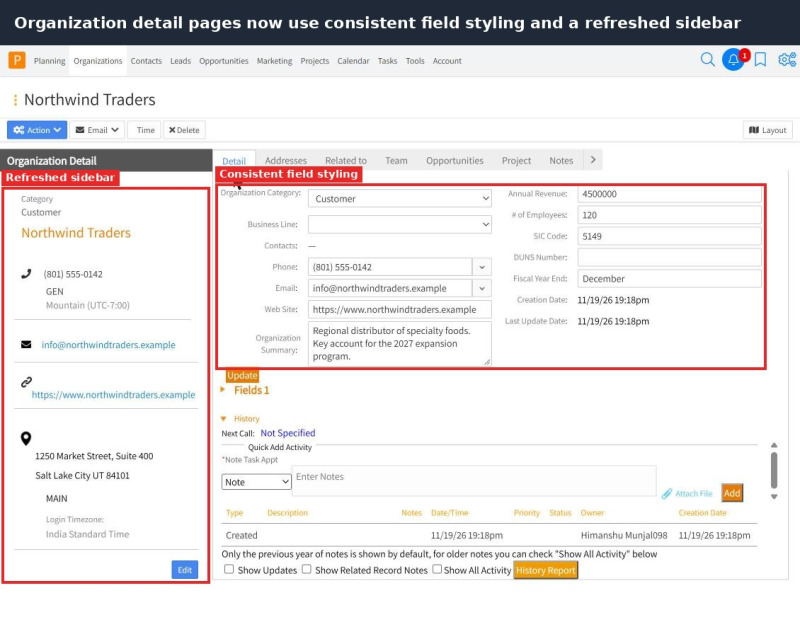
- Consistent detail pages: Organization and Opportunity detail pages now style every field type the same way.
- Refreshed Organization sidebar: The sidebar icons on Organization detail pages have been realigned and resized.
- Better Contact Detail layout: The File Repository Links panel no longer overlaps the fields beside it.
- Full dates on Tasks and Appointments: Created and Updated dates now show the year.
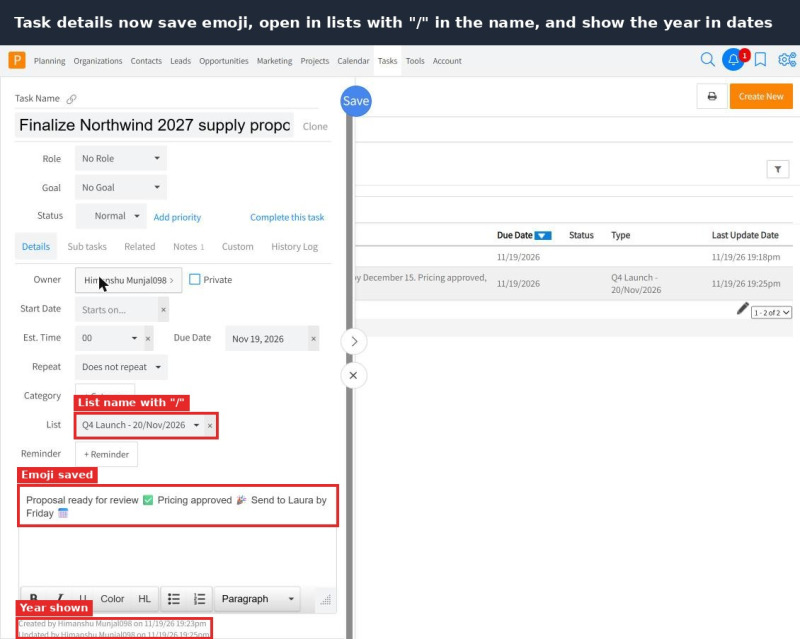
- Emoji support: Task details now save text that includes emoji and special characters.
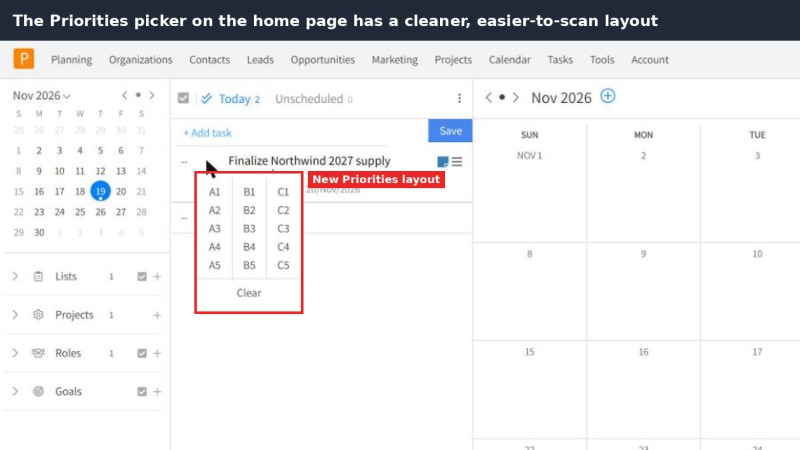
- Updated Priorities layout: The Priorities section on the home page has a cleaner layout.
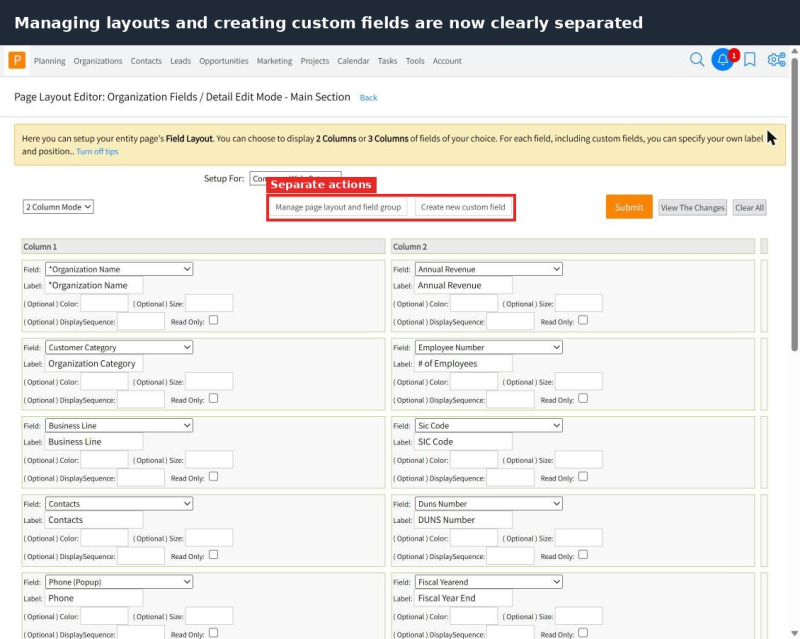
- Clearer Layout settings: Managing layouts and creating custom fields are now more clearly separated.
Bug Fixes
- Lists with “/”: Task details now open correctly in lists with a “/” in the name.
- Editor cursor: The cursor no longer jumps to the start of the editor when you click a toolbar button.
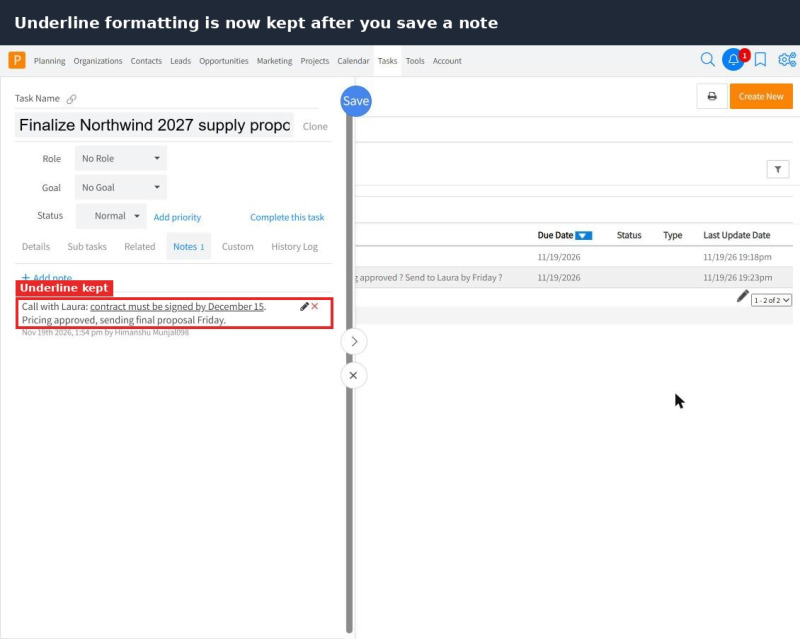
- Underline in notes: Underline formatting is now kept after you save a note.
- Organization imports: Apostrophes are now imported correctly in Organization imports.